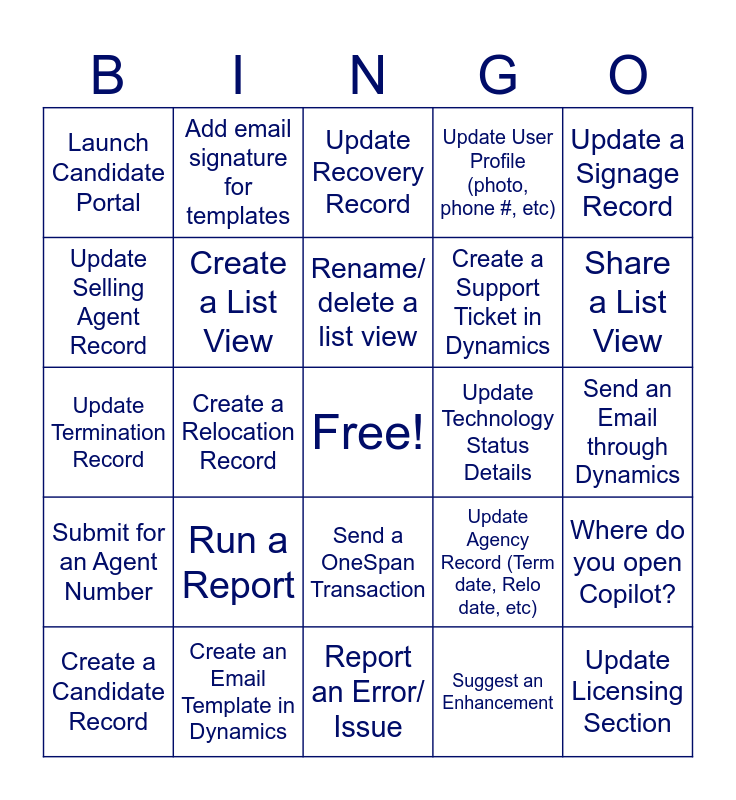
This bingo card has a free space and 29 words: Create a Candidate Record, Create a Termination Record, Create a Relocation Record, Upload a File Document, Launch Candidate Portal, Update Recovery Record, Create a List View, Run a Report, Update Technology Status Details, Create an Email Template in Dynamics, Send an Email through Dynamics, Update Licensing Section, Report an Error/ Issue, Suggest an Enhancement, Share a List View, Pin a Record or List, Send a OneSpan Transaction, Submit for an Agent Number, Update a Signage Record, Update Termination Record, Update Agency Record (Term date, Relo date, etc), Access the Business Plan/ EAOT from Dynamics, Create a Support Ticket in Dynamics, Update Selling Agent Record, Update User Profile (photo, phone #, etc), Add email signature for templates, Where do you open Copilot?, Rename/ delete a list view and Add a note to a record.
Exelare Bingo | Bullhorn Bingo | Bullhorn Go-Live Bingo | Bullhorn H | CDS NAME:
Share this URL with your players:
For more control of your online game, create a clone of this card first.
Learn how to conduct a bingo game.
With players vying for a you'll have to call about __ items before someone wins. There's a __% chance that a lucky player would win after calling __ items.
Tip: If you want your game to last longer (on average), add more unique words/images to it.