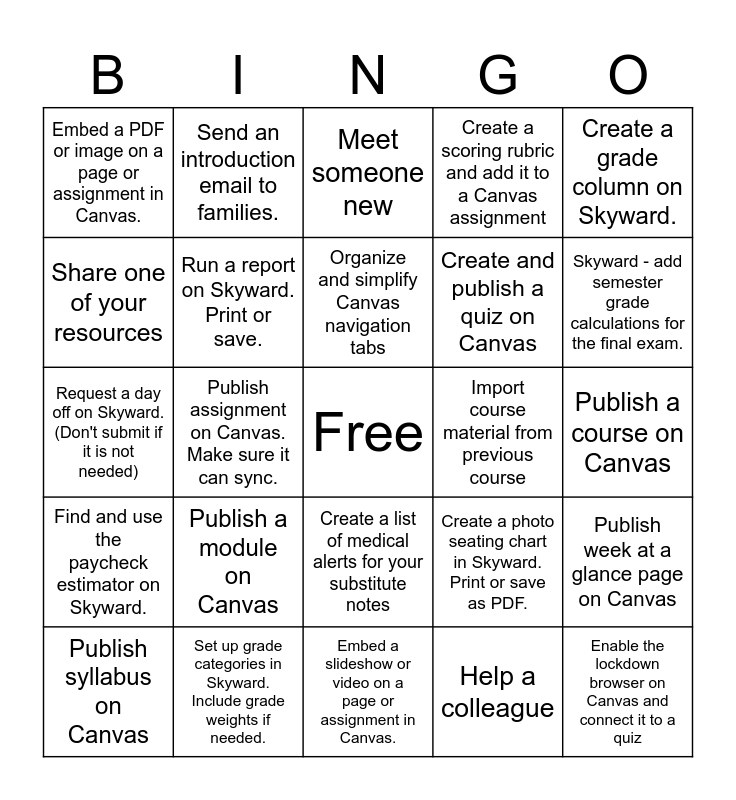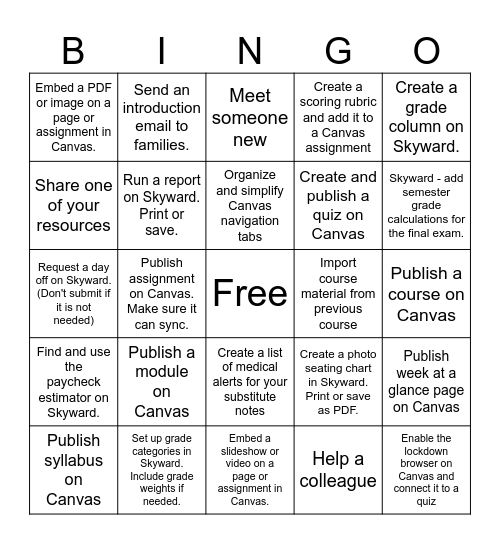
This bingo card has a free space and 24 words: Publish a module on Canvas, Set up grade categories in Skyward. Include grade weights if needed., Organize and simplify Canvas navigation tabs, Publish syllabus on Canvas, Create a grade column on Skyward., Embed a PDF or image on a page or assignment in Canvas., Share one of your resources, Send an introduction email to families., Import course material from previous course, Create a list of medical alerts for your substitute notes, Create and publish a quiz on Canvas, Request a day off on Skyward. (Don't submit if it is not needed), Create a photo seating chart in Skyward. Print or save as PDF., Publish week at a glance page on Canvas, Run a report on Skyward. Print or save., Help a colleague, Publish a course on Canvas, Meet someone new, Skyward - add semester grade calculations for the final exam., Publish assignment on Canvas. Make sure it can sync., Enable the lockdown browser on Canvas and connect it to a quiz, Find and use the paycheck estimator on Skyward., Create a scoring rubric and add it to a Canvas assignment and Embed a slideshow or video on a page or assignment in Canvas..
Schoology Bingo | Schoology Bingo | BLENDO Bingo | Schoology Bingo | Schoology Bingo
Share this URL with your players:
For more control of your online game, create a clone of this card first.
Learn how to conduct a bingo game.
With players vying for a you'll have to call about __ items before someone wins. There's a __% chance that a lucky player would win after calling __ items.
Tip: If you want your game to last longer (on average), add more unique words/images to it.