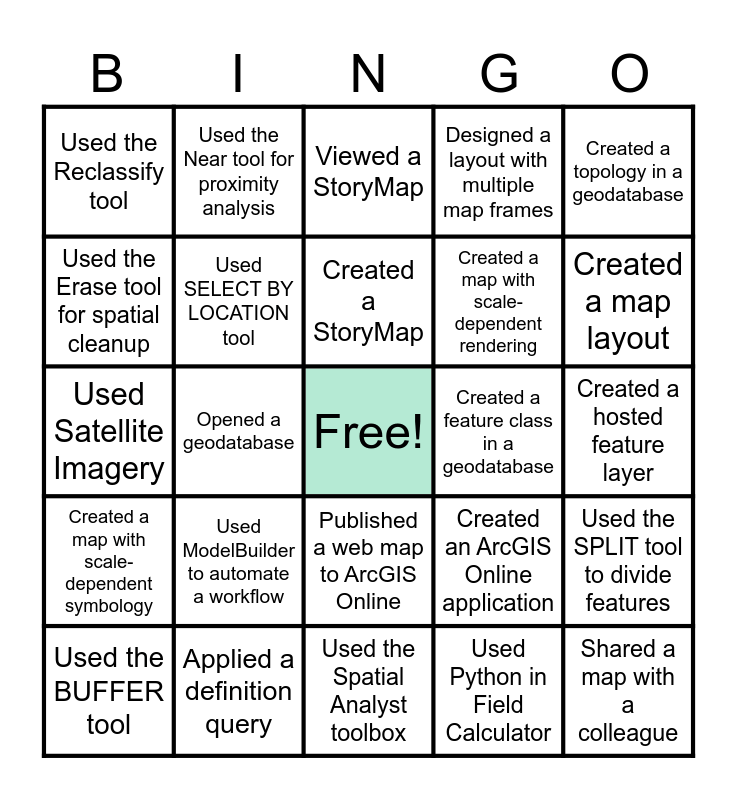
This bingo card has a free space and 29 words: Used the BUFFER tool, Used the MEASURE tool, Opened a geodatabase, Used the UNION tool, Used the Reclassify tool, Viewed a StoryMap, Used SELECT BY LOCATION tool, Used ModelBuilder to automate a workflow, Created a feature class in a geodatabase, Applied a definition query, Created a hosted feature layer, Shared a map with a colleague, Used the Spatial Analyst toolbox, Used Python in Field Calculator, Created a map layout, Changed a Basemap, Published a web map to ArcGIS Online, Created a map with scale-dependent symbology, Created a topology in a geodatabase, Used Satellite Imagery, Created an ArcGIS Online application, Created a spatial join, Created a map with scale-dependent rendering, Used the Erase tool for spatial cleanup, Designed a layout with multiple map frames, Used the Near tool for proximity analysis, Used the SPLIT tool to divide features, Created a StoryMap and Used the RASTER CALCULATOR tool.
GIS Day BINGO! | Classmate Tech BINGO | HG Chapter 1 Exam - Review Bingo! | HG Chapter 1 Exam - Review Bingo! | HG Chapter 1 Exam - Review Bingo!
Share this URL with your players:
For more control of your online game, create a clone of this card first.
Learn how to conduct a bingo game.
With players vying for a you'll have to call about __ items before someone wins. There's a __% chance that a lucky player would win after calling __ items.
Tip: If you want your game to last longer (on average), add more unique words/images to it.