MessageTomCheckCELCATforregistersClearup tabsReloaddishwasherPut proflanguagesolutionsshifts incalendardonailsCreateGraphicDesignpowerpointtemplateSet upPadletfor GBISet upextenderLaundryRoughlyplot outGBIlessonReplytoFleurTidydeskfoldersReplytoNicoleUpdatespreadsheet(highlightunpaidshifts)Replyto MasPlantomorrow'soutfitReplyto MumLook atlast week'smaterialsfor GBIprepReply toGraphicDesignemailMessageTomCheckCELCATforregistersClearup tabsReloaddishwasherPut proflanguagesolutionsshifts incalendardonailsCreateGraphicDesignpowerpointtemplateSet upPadletfor GBISet upextenderLaundryRoughlyplot outGBIlessonReplytoFleurTidydeskfoldersReplytoNicoleUpdatespreadsheet(highlightunpaidshifts)Replyto MasPlantomorrow'soutfitReplyto MumLook atlast week'smaterialsfor GBIprepReply toGraphicDesignemail

Sunday Bingo - Call List

(Print) Use this randomly generated list as your call list when playing the game. There is no need to say the BINGO column name. Place some kind of mark (like an X, a checkmark, a dot, tally mark, etc) on each cell as you announce it, to keep track. You can also cut out each item, place them in a bag and pull words from the bag.


1
2
3
4
5
6
7
8
9
10
11
12
13
14
15
16
17
18
19
20
21
22
23
24
  1. Message Tom
  2. Check CELCAT for registers
  3. Clear up tabs
  4. Reload dishwasher
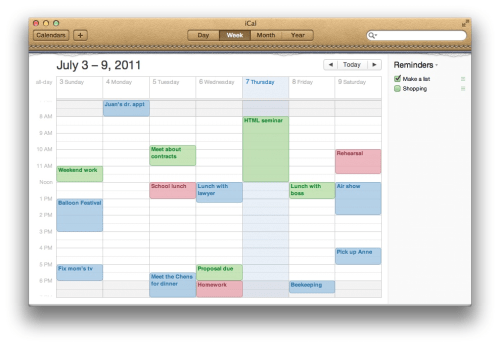
  5. Put prof language solutions shifts in calendar
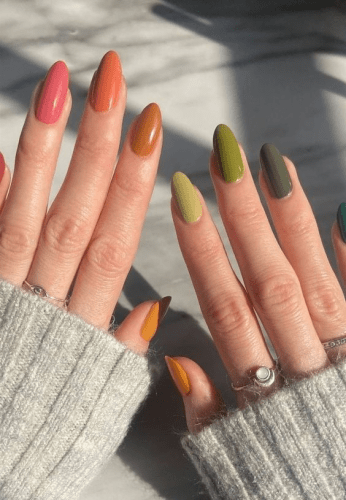
  6. do nails
  7. Create Graphic Design powerpoint template
  8. Set up Padlet for GBI
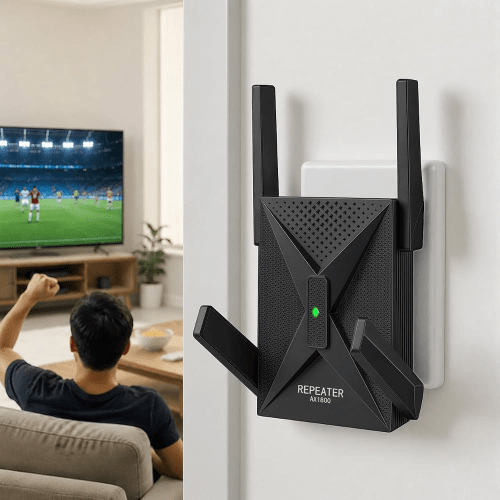
  9. Set up extender
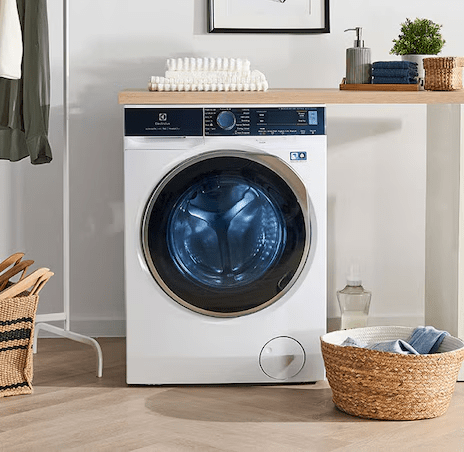
  10. Laundry
  11. Roughly plot out GBI lesson
  12. Reply to Fleur
  13. Tidy desk folders
  14. Reply to Nicole
  15. Update spreadsheet (highlight unpaid shifts)
  16. Reply to Mas
  17. Plan tomorrow's outfit
  18. Reply to Mum
  19. Look at last week's materials for GBI
  20. prep
  21. Reply to Graphic Design email