PowericonCode.orgDesktopComputerJustActResponsible.Give Respect.Stay Safe.SchoolmottoTrackpadHoldingan iPadwith 2handsEmojiClevericonindyKingdomCrestSignout barPlaybuttonLaptopEnterKey  iPadRepeatblockBackspaceKeySpeakerQRcodeSpacebarPrinterCursorfortypingPointerLearning.comiconSitting to useChromebookPowericonCode.orgDesktopComputerJustActResponsible.Give Respect.Stay Safe.SchoolmottoTrackpadHoldingan iPadwith 2handsEmojiClevericonindyKingdomCrestSignout barPlaybuttonLaptopEnterKey  iPadRepeatblockBackspaceKeySpeakerQRcodeSpacebarPrinterCursorfortypingPointerLearning.comiconSitting to useChromebook

Computer Lab Basics - Call List

(Print) Use this randomly generated list as your call list when playing the game. There is no need to say the BINGO column name. Place some kind of mark (like an X, a checkmark, a dot, tally mark, etc) on each cell as you announce it, to keep track. You can also cut out each item, place them in a bag and pull words from the bag.


1
2
3
4
5
6
7
8
9
10
11
12
13
14
15
16
17
18
19
20
21
22
23
24
25
  1. Power icon
  2. Code.org
  3. Desktop Computer
  4. School motto
    Just ActResponsible. Give Respect. Stay Safe.
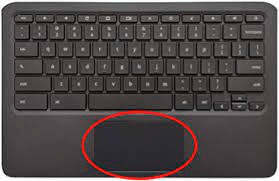
  5. Trackpad
  6. Holding an iPad with 2 hands
  7. Emoji
  8. Clever icon
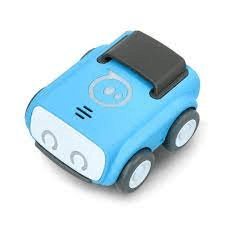
  9. indy
  10. Kingdom Crest
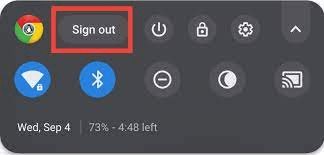
  11. Sign out bar
  12. Play button
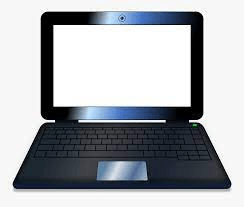
  13. Laptop
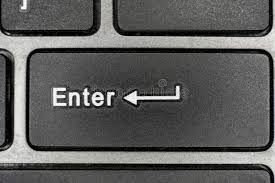
  14. Enter Key
  15. iPad
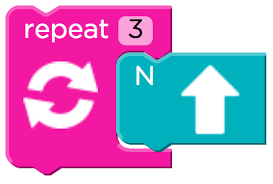
  16. Repeat block
  17. Backspace Key
  18. Speaker
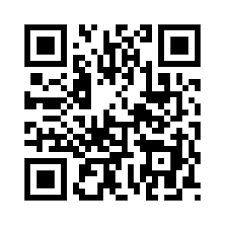
  19. QR code
  20. Spacebar
  21. Printer
  22. Cursor for typing
  23. Pointer
  24. Learning.com icon
  25. Sitting to use Chromebook