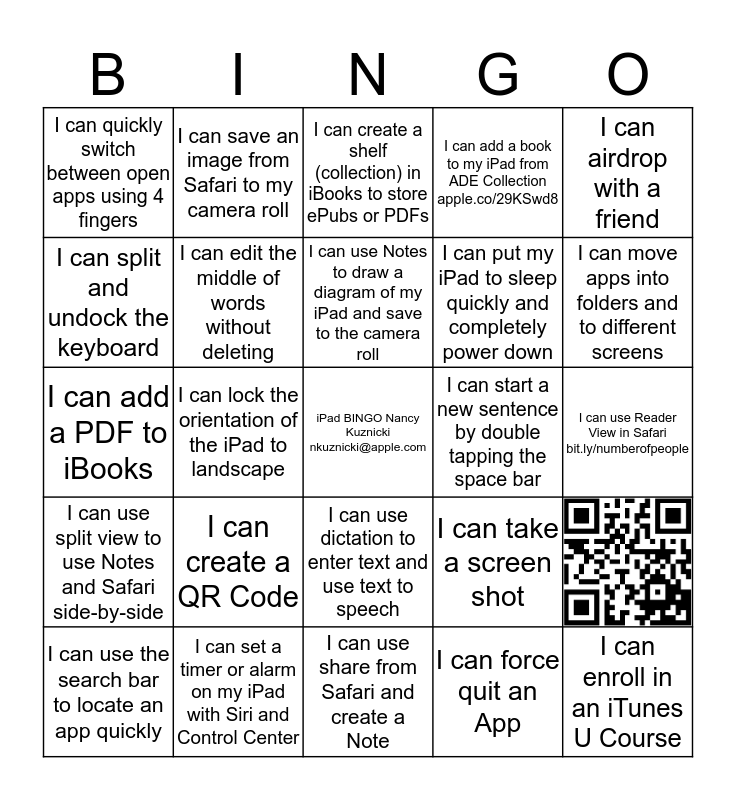
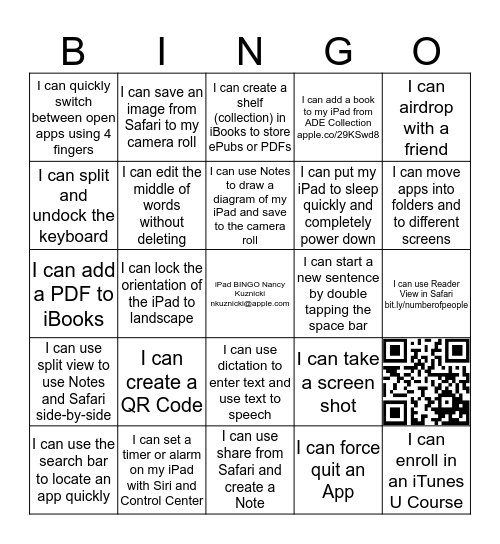
This bingo card has 1 images, a free space and 23 words: I can create a QR Code, I can set a timer or alarm on my iPad with Siri and Control Center, I can use Notes to draw a diagram of my iPad and save to the camera roll, I can use the search bar to locate an app quickly, I can airdrop with a friend, I can quickly switch between open apps using 4 fingers, I can split and undock the keyboard, I can save an image from Safari to my camera roll, I can start a new sentence by double tapping the space bar, I can use dictation to enter text and use text to speech, I can put my iPad to sleep quickly and completely power down, I can add a PDF to iBooks, I can take a screen shot, I can edit the middle of words without deleting, I can force quit an App, I can use Reader View in Safari bit.ly/numberofpeople, I can create a shelf (collection) in iBooks to store ePubs or PDFs, I can move apps into folders and to different screens, I can lock the orientation of the iPad to landscape, I can enroll in an iTunes U Course, I can use split view to use Notes and Safari side-by-side, I can add a book to my iPad from ADE Collection apple.co/29KSwd8 and I can use share from Safari and create a Note.
MacBook Bingo | iPad Bingo | MacBook Bingo | Taking iPad Apps to the Next Level | iPad Bingo
Share this URL with your players:
For more control of your online game, create a clone of this card first.
Learn how to conduct a bingo game.
With players vying for a you'll have to call about __ items before someone wins. There's a __% chance that a lucky player would win after calling __ items.
Tip: If you want your game to last longer (on average), add more unique words/images to it.