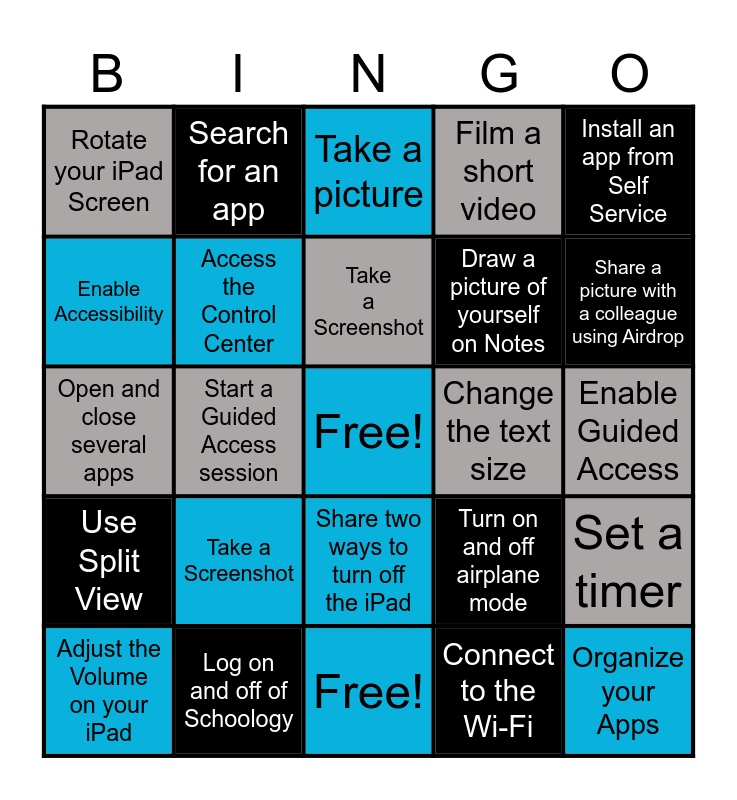
This bingo card has a free space and 24 words: Take a Screenshot, Log on and off of Schoology, Take a Screenshot, Adjust the Volume on your iPad, Install an app from Self Service, Rotate your iPad Screen, Enable Accessibility, Search for an app, Change the text size, Share two ways to turn off the iPad, Draw a picture of yourself on Notes, Open and close several apps, Turn on and off airplane mode, Set a timer, Access the Control Center, Connect to the Wi-Fi, Enable Guided Access, Take a picture, Share a picture with a colleague using Airdrop, Start a Guided Access session, Organize your Apps, Use Split View, Film a short video and Free!.
iPad 101 | iPad Tips and Tricks Bingo! | Getting to Know Your iPad - Can you...? | iPad 101 Bingo | iPad Bingo
Share this URL with your players:
For more control of your online game, create a clone of this card first.
Learn how to conduct a bingo game.
With players vying for a you'll have to call about __ items before someone wins. There's a __% chance that a lucky player would win after calling __ items.
Tip: If you want your game to last longer (on average), add more unique words/images to it.