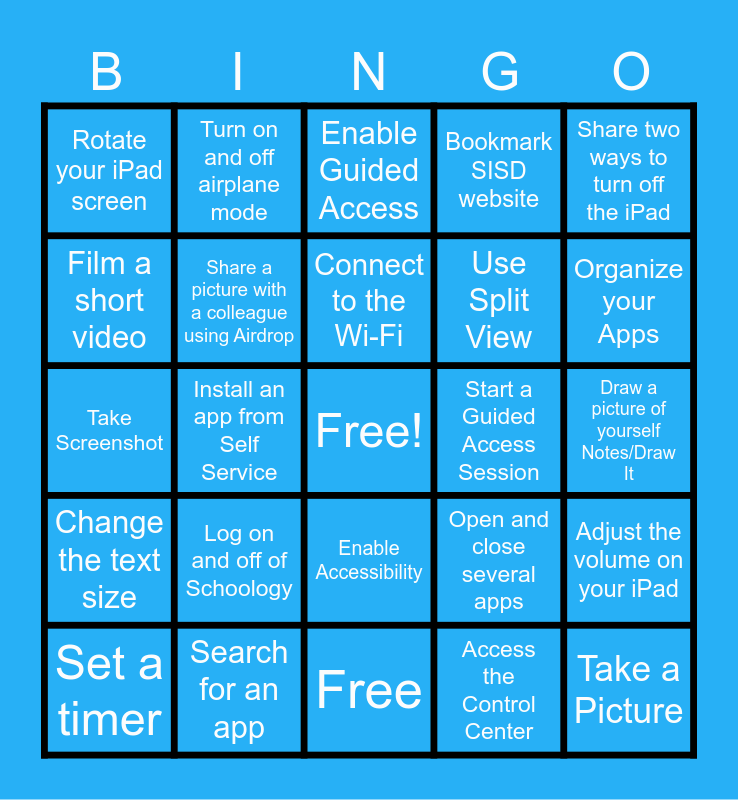
This bingo card has a free space and 24 words: Log on and off of Schoology, Search for an app, Connect to the Wi-Fi, Set a timer, Share two ways to turn off the iPad, Rotate your iPad screen, Film a short video, Turn on and off airplane mode, Start a Guided Access Session, Enable Accessibility, Use Split View, Take Screenshot, Open and close several apps, Adjust the volume on your iPad, Share a picture with a colleague using Airdrop, Access the Control Center, Draw a picture of yourself Notes/Draw It, Enable Guided Access, Organize your Apps, Install an app from Self Service, Take a Picture, Change the text size, Bookmark SISD website and Free.
iPad Basics | iPad Tips and Tricks Bingo! | Getting to Know Your iPad - Can you...? | iPad 101 Bingo | iPad Bingo
Share this URL with your players:
For more control of your online game, create a clone of this card first.
Learn how to conduct a bingo game.
With players vying for a you'll have to call about __ items before someone wins. There's a __% chance that a lucky player would win after calling __ items.
Tip: If you want your game to last longer (on average), add more unique words/images to it.