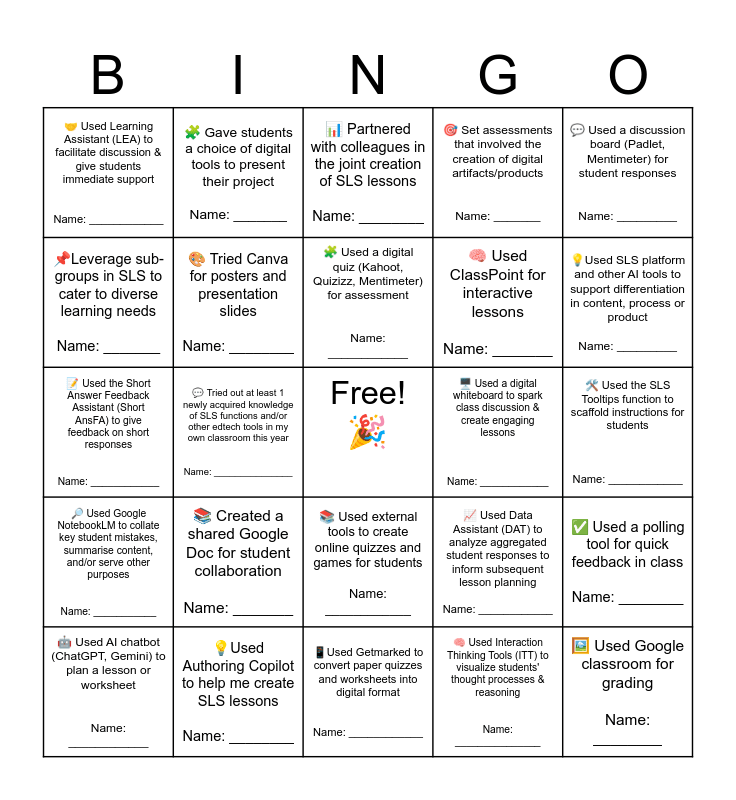
This bingo card has a free space and 24 words: 🤖 Used AI chatbot (ChatGPT, Gemini) to plan a lesson or worksheet Name: ____________, 📚 Created a shared Google Doc for student collaboration Name: _______, 🧩 Used a digital quiz (Kahoot, Quizizz, Mentimeter) for assessment Name: ____________, 🧠 Used Interaction Thinking Tools (ITT) to visualize students' thought processes & reasoning Name: _______________, 💬 Used a discussion board (Padlet, Mentimeter) for student responses Name: _________, 🤝 Used Learning Assistant (LEA) to facilitate discussion & give students immediate support Name: ____________, 🧩 Gave students a choice of digital tools to present their project Name: _______, 📊 Partnered with colleagues in the joint creation of SLS lessons Name: ________, 🖥️ Used a digital whiteboard to spark class discussion & create engaging lessons Name: ____________, 🛠️ Used the SLS Tooltips function to scaffold instructions for students Name: ____________, 📝 Used the Short Answer Feedback Assistant (Short AnsFA) to give feedback on short responses Name: ____________, 🎨 Tried Canva for posters and presentation slides Name: ________, 📈 Used Data Assistant (DAT) to analyze aggregated student responses to inform subsequent lesson planning Name: ____________, ✅ Used a polling tool for quick feedback in class Name: ________, 📌Leverage sub-groups in SLS to cater to diverse learning needs Name: _______, 💡Used Authoring Copilot to help me create SLS lessons Name: ________, 📱Used Getmarked to convert paper quizzes and worksheets into digital format Name: ____________, 🎯 Set assessments that involved the creation of digital artifacts/products Name: _______, 💡Used SLS platform and other AI tools to support differentiation in content, process or product Name: _________, 🔎 Used Google NotebookLM to collate key student mistakes, summarise content, and/or serve other purposes Name: ___________, 💬 Tried out at least 1 newly acquired knowledge of SLS functions and/or other edtech tools in my own classroom this year Name: _______________, 📚 Used external tools to create online quizzes and games for students Name: ____________, 🧠 Used ClassPoint for interactive lessons Name: _______ and 🖼️ Used Google classroom for grading Name: ________.
Assessment Bingo | Blended Learning Bingo | Blended Learning Bingo | Blended Learning Bingo | PRAXIS IN YOUR CLASSROOM
Share this URL with your players:
For more control of your online game, create a clone of this card first.
Learn how to conduct a bingo game.
With players vying for a you'll have to call about __ items before someone wins. There's a __% chance that a lucky player would win after calling __ items.
Tip: If you want your game to last longer (on average), add more unique words/images to it.