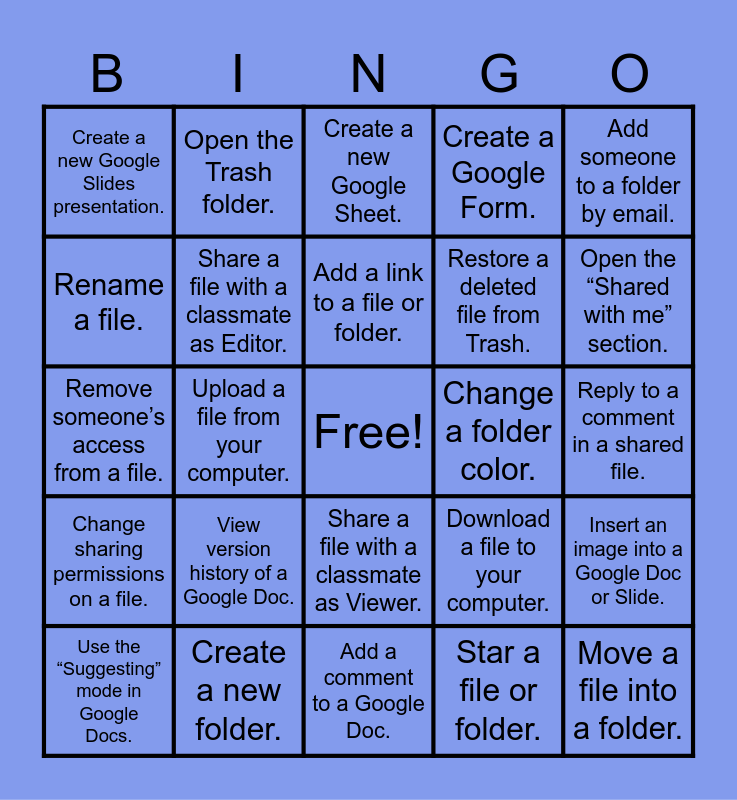
This bingo card has a free space and 30 words: Create a new folder., Rename a folder., Upload a file from your computer., Create a new Google Doc., Create a new Google Slides presentation., Create a new Google Sheet., Share a file with a classmate as Editor., Share a file with a classmate as Viewer., Change a folder color., Add a comment to a Google Doc., Reply to a comment in a shared file., Move a file into a folder., Star a file or folder., Use the search bar to find a file., Open the “Shared with me” section., Create a copy of a Google Doc., Download a file to your computer., Change sharing permissions on a file., View version history of a Google Doc., Add someone to a folder by email., Remove someone’s access from a file., Use “Make available offline” for a file., Open the Trash folder., Restore a deleted file from Trash., Rename a file., Create a Google Form., Insert an image into a Google Doc or Slide., Use the “Suggesting” mode in Google Docs., Add a link to a file or folder. and Organize files by dragging them into a new folder..
Google Basics Bingo | OneDrive Bingo | Google Bingo | NeXT Chance Bingo | Google Docs Bingo
Share this URL with your players:
For more control of your online game, create a clone of this card first.
Learn how to conduct a bingo game.
With players vying for a you'll have to call about __ items before someone wins. There's a __% chance that a lucky player would win after calling __ items.
Tip: If you want your game to last longer (on average), add more unique words/images to it.