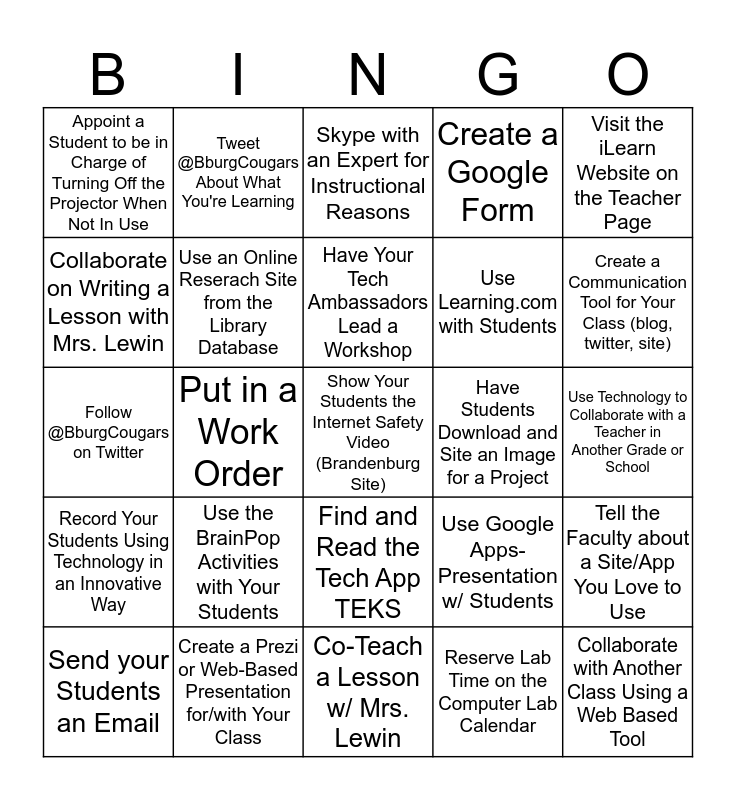
This bingo card has 27 words: Use Google Apps-Presentation w/ Students, Collaborate with Another Class Using a Web Based Tool, Use Learning.com with Students, Co-Teach a Lesson w/ Mrs. Lewin, Collaborate on Writing a Lesson with Mrs. Lewin, Skype with an Expert for Instructional Reasons, Tweet @BburgCougars About What You're Learning, Record Your Students Using Technology in an Innovative Way, Have Students Download and Site an Image for a Project, Tell the Faculty about a Site/App You Love to Use, Follow @BburgCougars on Twitter, Create a Google Form, Send your Students an Email, Create a Prezi or Web-Based Presentation for/with Your Class, Create a Communication Tool for Your Class (blog, twitter, site), Create a QR Code for/with Your Students, Use an Online Reserach Site from the Library Database, Have Your Tech Ambassadors Lead a Workshop, Use the BrainPop Activities with Your Students, Appoint a Student to be in Charge of Turning Off the Projector When Not In Use, Use Technology to Collaborate with a Teacher in Another Grade or School, Reserve Lab Time on the Computer Lab Calendar, Put in a Work Order, Show Your Students the Internet Safety Video (Brandenburg Site), Find and Read the Tech App TEKS, Visit the iLearn Website on the Teacher Page and Use the Library iPads for a Lesson.
Tech Bingo | Digital Learning Bingo | Digital Learning Bingo | Digital Learning Bingo | Digital Learning Bingo
Share this URL with your players:
For more control of your online game, create a clone of this card first.
Learn how to conduct a bingo game.
With players vying for a you'll have to call about __ items before someone wins. There's a __% chance that a lucky player would win after calling __ items.
Tip: If you want your game to last longer (on average), add more unique words/images to it.