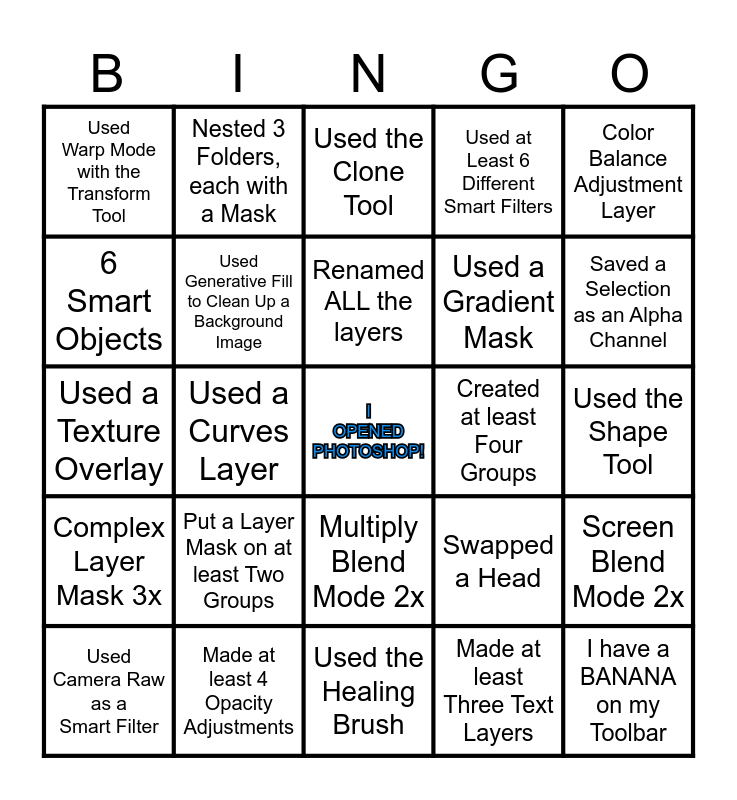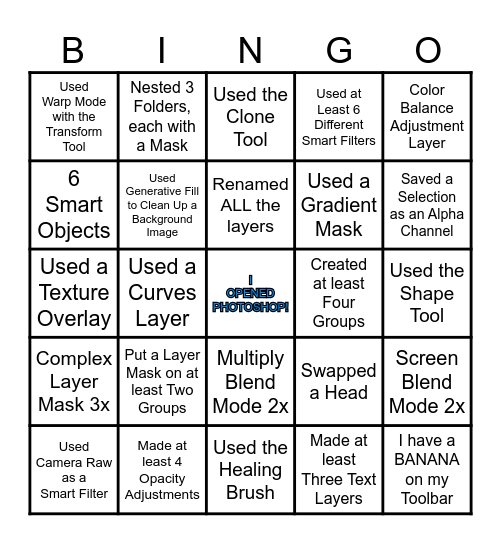
This bingo card has a free space and 24 words: Put a Layer Mask on at least Two Groups, Made at least 4 Opacity Adjustments, Renamed ALL the layers, Used Camera Raw as a Smart Filter, Color Balance Adjustment Layer, Used Warp Mode with the Transform Tool, 6 Smart Objects, Nested 3 Folders, each with a Mask, Created at least Four Groups, Multiply Blend Mode 2x, Used a Gradient Mask, Used a Texture Overlay, Swapped a Head, Screen Blend Mode 2x, Used Generative Fill to Clean Up a Background Image, Made at least Three Text Layers, Used the Shape Tool, Used the Clone Tool, Saved a Selection as an Alpha Channel, Used a Curves Layer, I have a BANANA on my Toolbar, Complex Layer Mask 3x, Used at Least 6 Different Smart Filters and Used the Healing Brush.
Photoshop Layer Tennis Bingo | Photoshop Layer Tennis Bingo | Photoshop Bingo! | Photoshop Bingo! | Photoshop Bingo
Share this URL with your players:
For more control of your online game, create a clone of this card first.
Learn how to conduct a bingo game.
With players vying for a you'll have to call about __ items before someone wins. There's a __% chance that a lucky player would win after calling __ items.
Tip: If you want your game to last longer (on average), add more unique words/images to it.