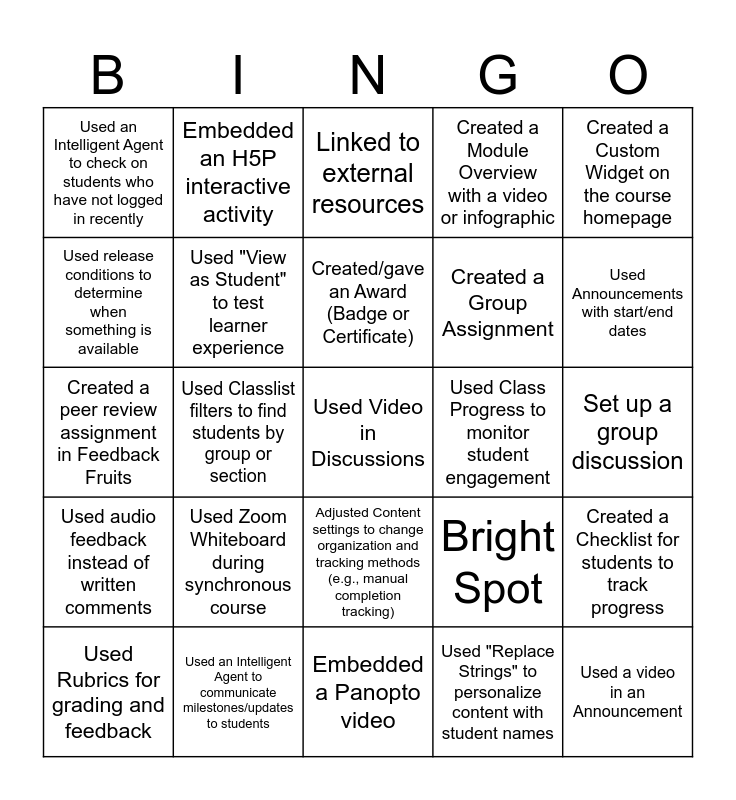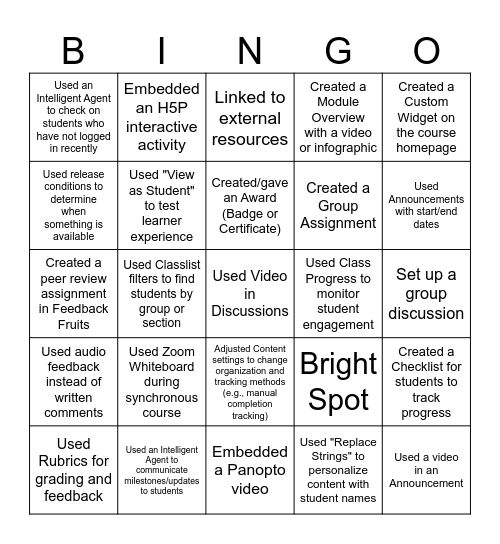
This bingo card has 25 words: Used Zoom Whiteboard during synchronous course, Embedded a Panopto video, Created/gave an Award (Badge or Certificate), Used Rubrics for grading and feedback, Created a Custom Widget on the course homepage, Used an Intelligent Agent to check on students who have not logged in recently, Used release conditions to determine when something is available, Embedded an H5P interactive activity, Used Class Progress to monitor student engagement, Adjusted Content settings to change organization and tracking methods (e.g., manual completion tracking), Created a Group Assignment, Created a peer review assignment in Feedback Fruits, Bright Spot, Created a Checklist for students to track progress, Used "View as Student" to test learner experience, Used a video in an Announcement, Set up a group discussion, Linked to external resources, Used Announcements with start/end dates, Used Classlist filters to find students by group or section, Used Video in Discussions, Used an Intelligent Agent to communicate milestones/updates to students, Used audio feedback instead of written comments, Created a Module Overview with a video or infographic and Used "Replace Strings" to personalize content with student names.
Teacher Feedback Bingo | Teacher Feedback Bingo | Instructional Technology & Design | Visible Learning and Feedback | Teacher Feedback Bingo
Share this URL with your players:
For more control of your online game, create a clone of this card first.
Learn how to conduct a bingo game.
With players vying for a you'll have to call about __ items before someone wins. There's a __% chance that a lucky player would win after calling __ items.
Tip: If you want your game to last longer (on average), add more unique words/images to it.