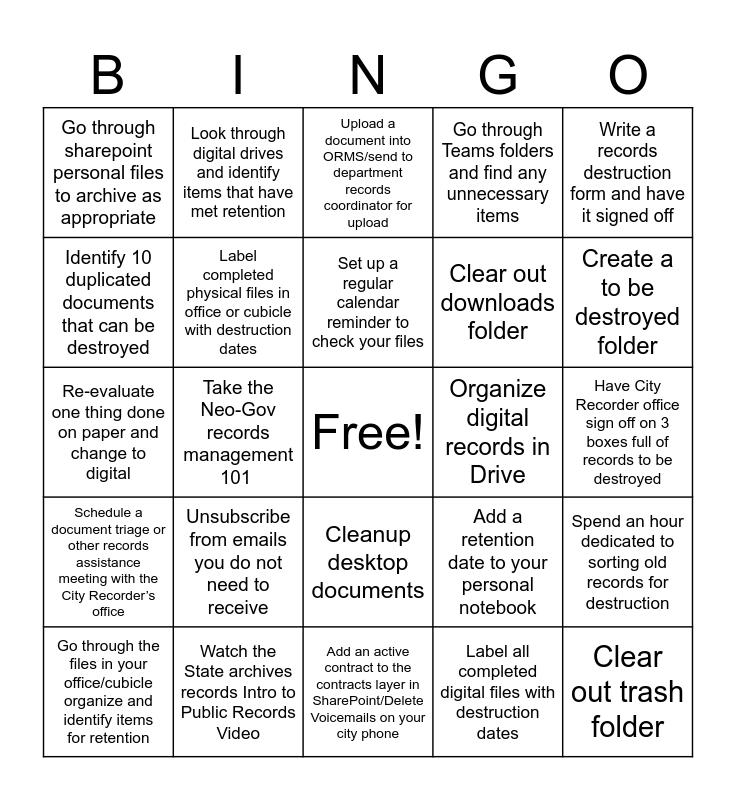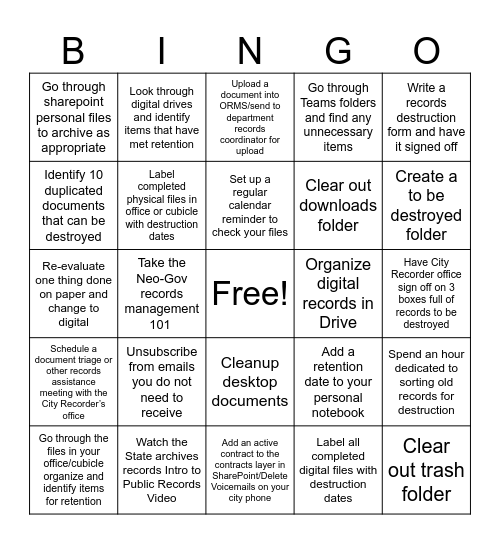
This bingo card has a free space and 24 words: Unsubscribe from emails you do not need to receive, Watch the State archives records Intro to Public Records Video, Set up a regular calendar reminder to check your files, Go through the files in your office/cubicle organize and identify items for retention, Write a records destruction form and have it signed off, Go through sharepoint personal files to archive as appropriate, Identify 10 duplicated documents that can be destroyed, Look through digital drives and identify items that have met retention, Organize digital records in Drive, Cleanup desktop documents, Clear out downloads folder, Re-evaluate one thing done on paper and change to digital, Add a retention date to your personal notebook, Spend an hour dedicated to sorting old records for destruction, Label completed physical files in office or cubicle with destruction dates, Label all completed digital files with destruction dates, Have City Recorder office sign off on 3 boxes full of records to be destroyed, Upload a document into ORMS/send to department records coordinator for upload, Create a to be destroyed folder, Take the Neo-Gov records management 101, Clear out trash folder, Schedule a document triage or other records assistance meeting with the City Recorder’s office, Go through Teams folders and find any unnecessary items and Add an active contract to the contracts layer in SharePoint/Delete Voicemails on your city phone.
City of Gresham Spring Cleaning | Rainy Day Records Refresh | Rainy Day Records Refresh | City of Gresham Records Week | 2026 LTU Records and Information Management (RIM) Month
Share this URL with your players:
For more control of your online game, create a clone of this card first.
Learn how to conduct a bingo game.
With players vying for a you'll have to call about __ items before someone wins. There's a __% chance that a lucky player would win after calling __ items.
Tip: If you want your game to last longer (on average), add more unique words/images to it.